
Info screens
Build your own info screen.
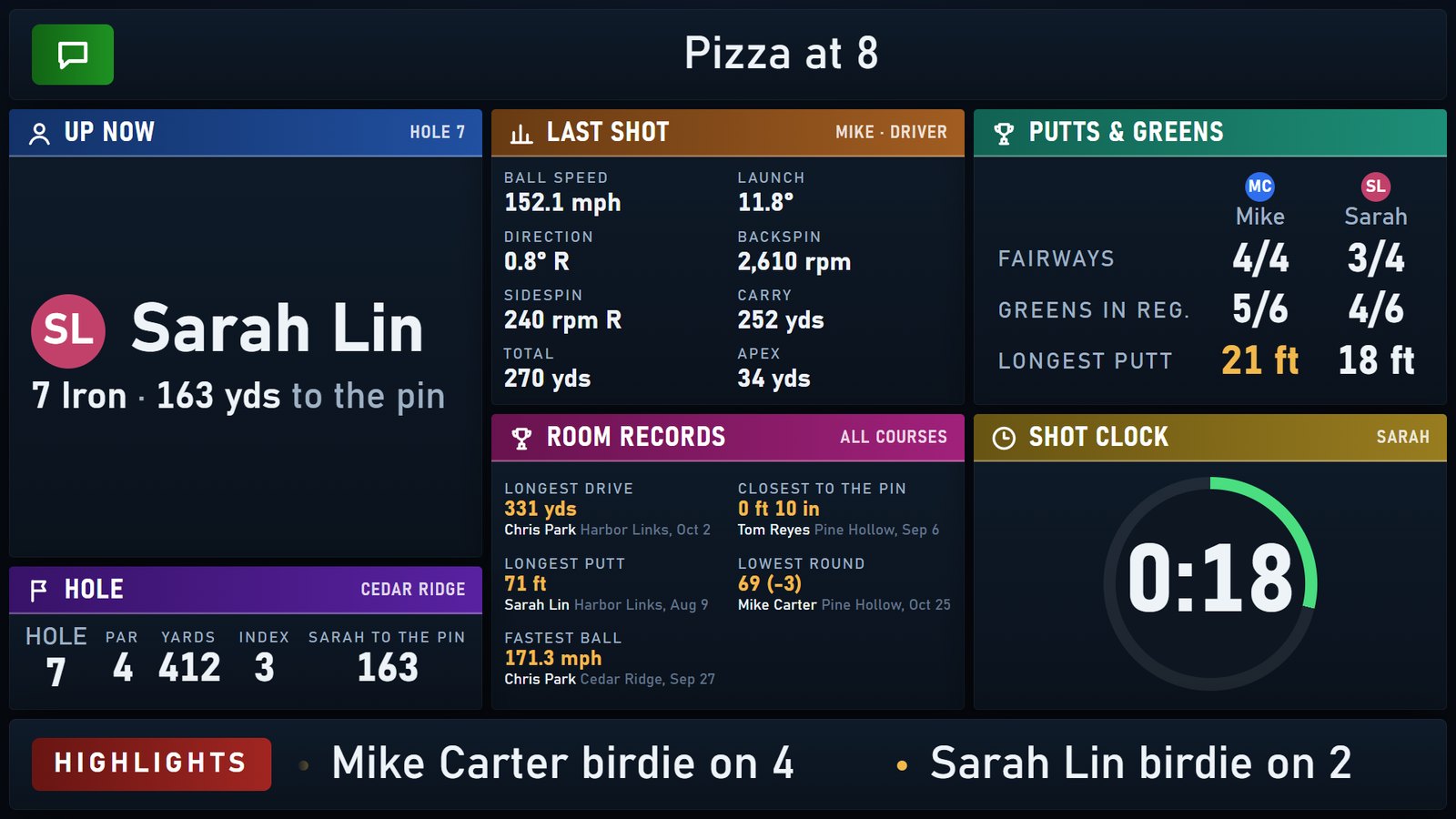
Show scores and numbers from your GSPro or Pureplay round on a spare screen in your room. Choose your panels, set their sizes and arrange them as you like.
 0:36
Choose from up to 17 panels
- Scores: scorecard or leaderboard, streaks, mulligans, longest putts, fairways and greens, plus the team leaderboard and match play status in Pureplay
- The turn: whose turn it is, who's next, the hole card, a shot clock, a round clock and the numbers from the last shot
- Highlights: tonight's best, your room's records, a banner for a big moment, a highlights ticker and a message you type
- Launch an info screen from its own tile, or add it as a step when another program launches
A different screen for a different night
- Save several layouts, each on its own tile, and tap to open the one that suits tonight
- If you have more than one spare screen, you can open several info screens at once, with different panels on each
- Show the highlights ticker or your own message, such as "Pizza at 8", as a band across the top or bottom of the screen
Pureplay info screens pictured.
Your sim room, finished.
Buy RoomCaddie · $49
- No account. No subscription. No tracking.
- $49, one time purchase, 14-day refund
- One key for up to three of your own PCs
Already purchased? Download RoomCaddie
The key and the download arrive by email within minutes. Windows 11. English. Sold worldwide.